If you've searched for "immersive translate alternative" recently, you're probably not shopping around out of curiosity — you're reacting to a change. One of the most popular page-translation extensions recently locked more of its functionality behind a mandatory account login and pulled back the free translation engines that used to work out of the box, and the reviews have not been kind.
This guide covers exactly what changed, the red flags worth checking before you install any page translator, and how an extension built around your own API key sidesteps the same problem.
What happened to Immersive Translate
The complaints cluster around one theme: a tool that used to translate freely now demands an account first, and even after logging in, the free engines got worse.
"Google and Microsoft translate were pulled out, and it force-logs you in — it's ugly, I already uninstalled and switched to a simpler translator." — 1-star review of a popular page translation extension
"I don't know if it's paid, but the free version doesn't translate anything! Zero stars!" — 1-star review, same extension
Roughly half of the recent 1-star reviews for this extension mention the same combination: forced login plus a degraded or removed free translation path. When a tool changes its business model out from under existing users, it shows up in the reviews fast — and it's exactly the kind of change worth checking for before you commit to any translator.
What users actually want from a page translator
Strip the frustration down to what people are actually asking for, and it's simple: fast, on-page translation that works without creating an account first, with pricing (if any) that's obvious before you start relying on the tool. Billing surprises compound the problem — the same category has produced complaints like this:
"Very disappointing billing experience — charged through auto-renewal without a clear, prominent reminder." — 1-star review of a page translator extension
Red flags to check before installing any translator extension
- Does it force account creation before doing anything useful? A translator you can't use for even a single page without signing up is a translator that can change the rules on you later.
- Is the install source transparent? A different popular "translate any page" extension has drawn its own wave of suspicion, with users pointing out a mismatch between its install count and its review count:
"Force-installed malware. This add-on installed itself on my computer without me choosing it." — 1-star review of a page/PDF translator extension
"Fake plugin, auto-installed — millions of users, fewer than 100 ratings." — 1-star review, same extension, flagging the same install-count-vs-review-count mismatch
- Does "custom API key" support actually work? Several translators advertise the ability to plug in your own AI service, but users report the setting doesn't actually change anything:
"After successfully connecting my personal custom translation service API and disabling all the others, it still only translates using their free translation service. Completely useless." — 1-star review of a translator extension advertising custom API support
Feature comparison: what to look for
| Check | Why it matters |
|---|---|
| Forced login before first use | Signals the free tier may shrink later without warning |
| Free tier that actually translates | Some extensions advertise "free" but the free path is broken or gutted |
| Custom API key genuinely used | Advertised BYOK support should measurably change output, not silently ignore your key |
| Install transparency | High install counts with very few ratings can indicate bundled/forced installs |
| Billing reminders before auto-renewal | Avoids the "charged without warning" complaint pattern |
How Immersive AI approaches this differently
Immersive AI translates, summarizes, and rewrites content on any webpage you're reading, using your own OpenAI API key rather than routing everything through a proprietary account system.
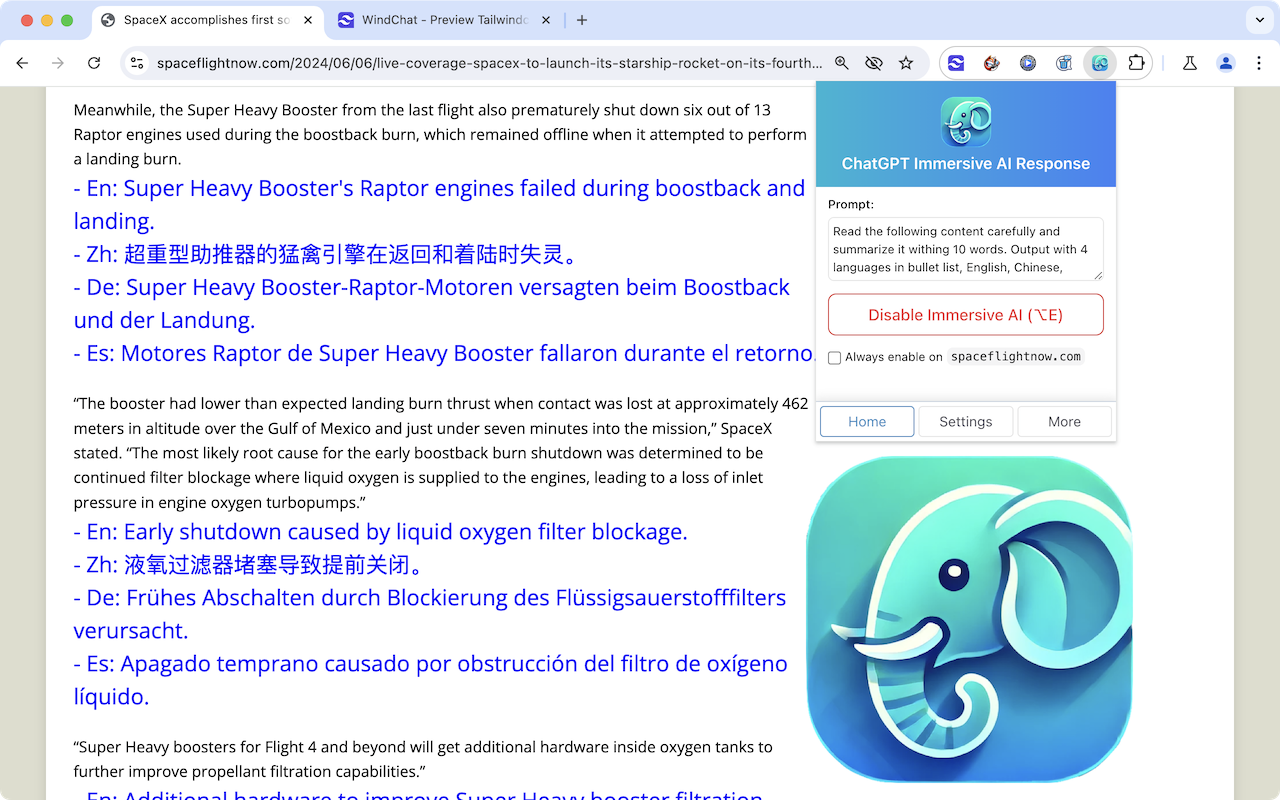
- Works directly on the page you're reading — no separate account portal, and no forced login screen before you can try it.
- Bring your own OpenAI API key. Your key is saved locally in your browser, not on an external server, so you're billed directly by OpenAI at their published rates instead of a separate, opaque subscription.
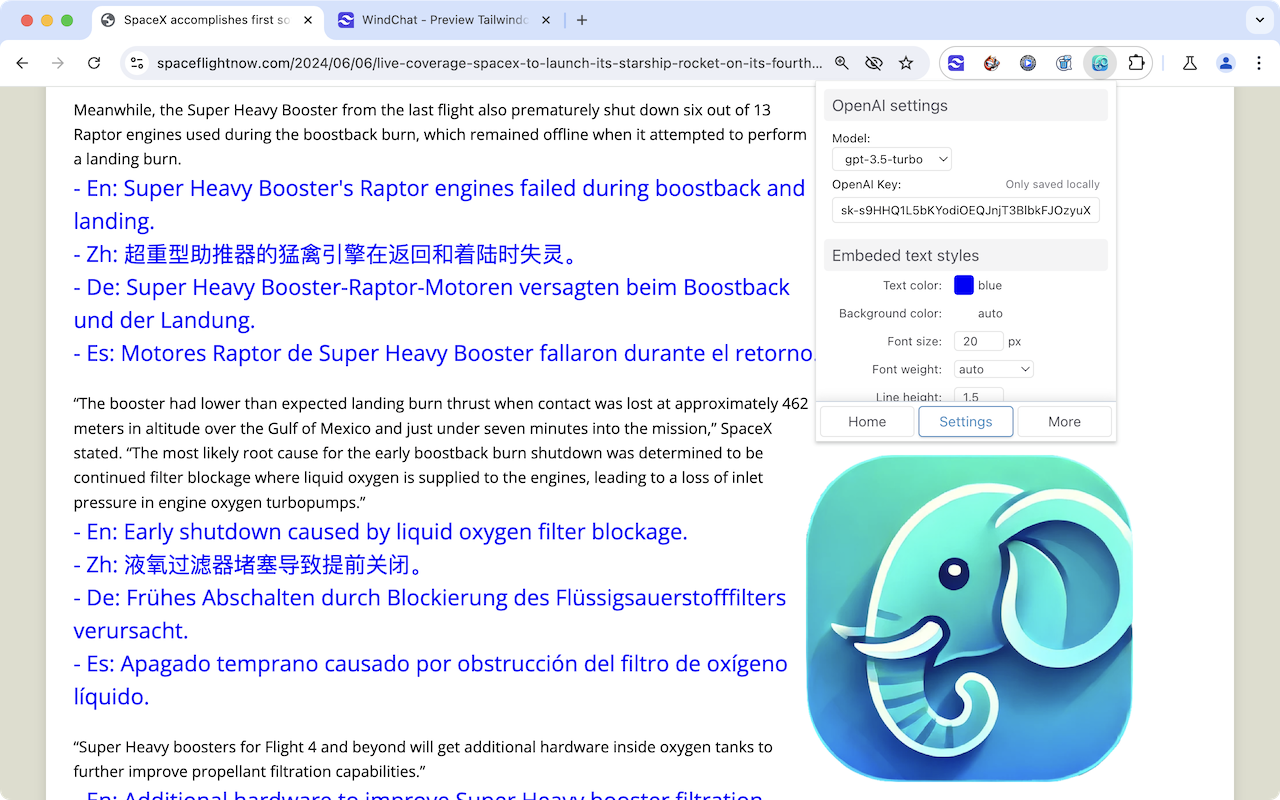
- Customizable prompt and output, not a fixed translate button — the example above asks for a 10-word summary in four languages as a bullet list, but you can rewrite the instruction for straight translation, a longer summary, or a specific tone.
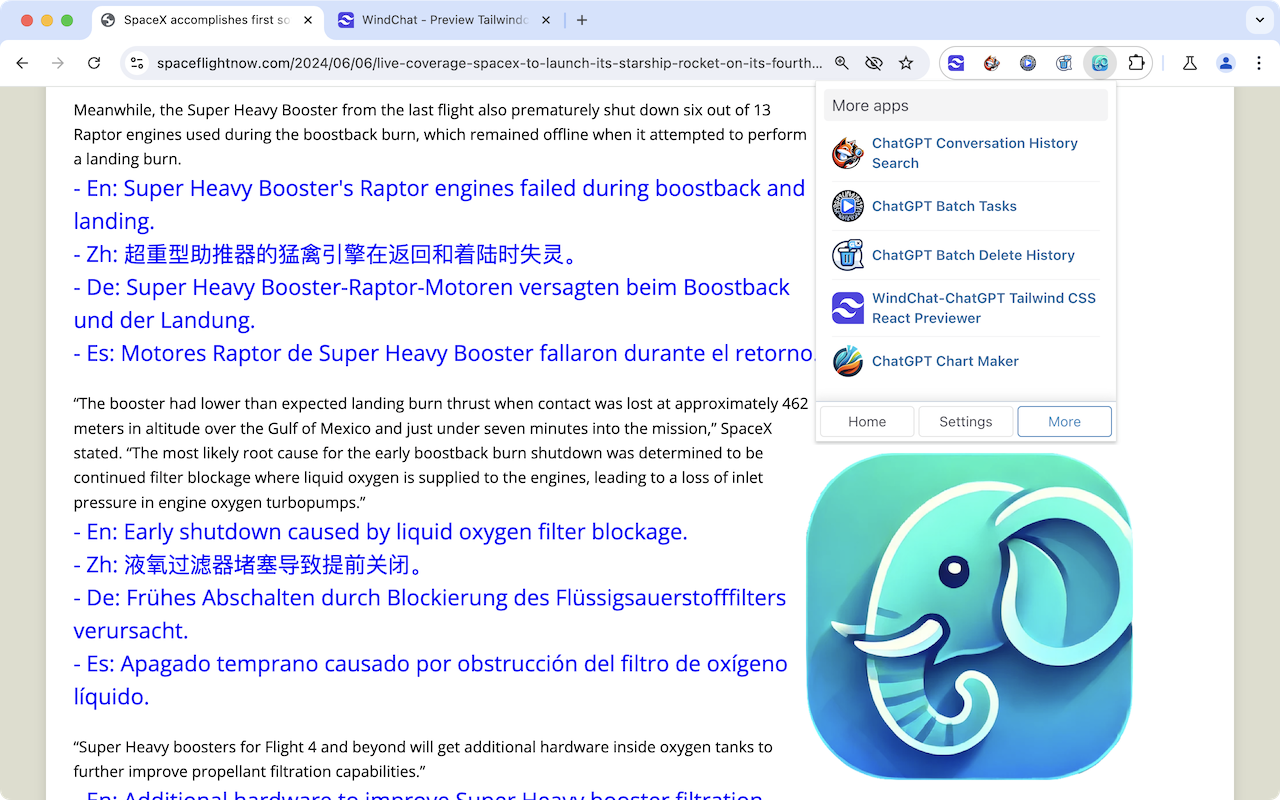
- Works across the pages you actually read, from news articles to long-form documentation, not locked to a single site.
Step-by-step: translating and summarizing your first page
- Install Immersive AI and open its settings to add your OpenAI API key — it's stored locally in your browser, never sent anywhere else.
- Pick a model (a faster/cheaper model like GPT-3.5 works fine for quick translations and summaries; use a stronger model for nuanced text).
- Open any article, documentation page, or long post, and trigger the response panel.
- Edit the prompt to say what you actually want — "translate this to French," "summarize in five bullet points," or "rewrite this paragraph more simply" all work with the same panel.
- Read the output directly on the page, no copy-pasting into a separate translator tab.
The bottom line
The most useful signal in this whole category isn't which extension has the flashiest feature list — it's which one lets you keep using it the same way tomorrow that you're using it today. Forced logins, gutted free tiers, and custom-API settings that quietly do nothing are all versions of the same problem: control shifting from you to the vendor after you've already committed. Bringing your own API key flips that back — you see exactly what you're paying for, directly to OpenAI, with nothing routed through a black box in between.